Linting Jupyter Notebooks: ruff, nbQA and Clean Diffs for .ipynb Files
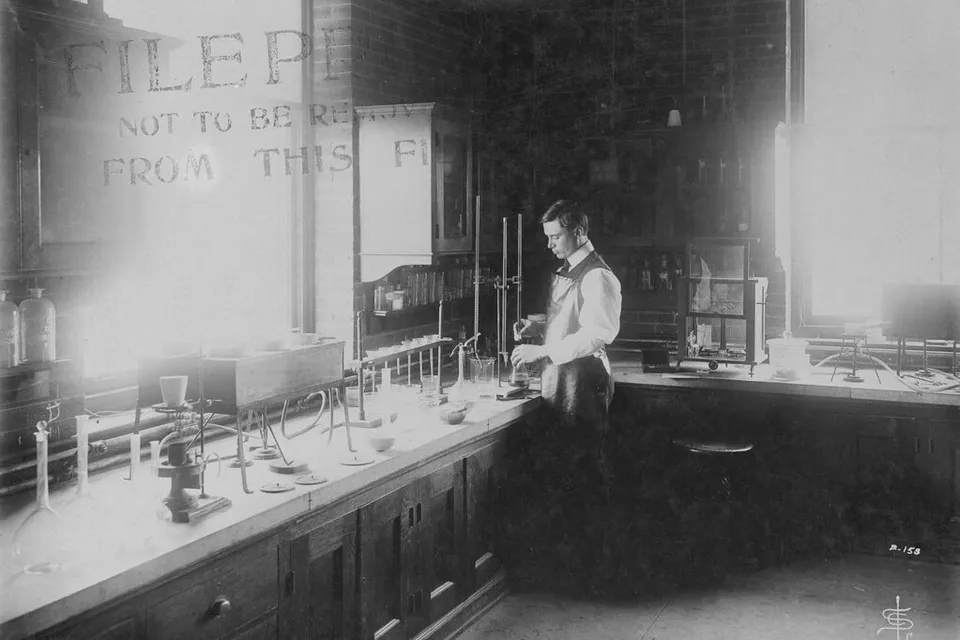
Many Python projects that run a linter on every commit still keep a notebooks/ folder that no tool has ever looked at. That folder is often where the messiest code lives: imports scattered across cells, variables defined in a cell that was later deleted, and helper functions that were copied into three different notebooks. The tools have caught up. Ruff reads .ipynb files natively, nbQA wraps most other linters, and a Git filter can keep outputs out of your history. Here is how the pieces fit together.
Why notebooks deserve the same checks
Notebooks are not throwaway files in most teams. They hold exploratory analysis that later becomes a report, training code that becomes a pipeline, and examples that new colleagues copy. A 2018 feature in Nature described Jupyter as "data scientists' computational notebook of choice", and with that popularity came the problems of any shared code.
The best-known measurement of those problems is a study by João Felipe Pimentel, Leonardo Murta, Vanessa Braganholo and Juliana Freire, presented at the Mining Software Repositories conference in 2019. They collected notebooks from GitHub and tried to run them: out of 863,878 attempted executions, "only 24.11% executed without errors and only 4.03% produced the same results." Most failures came from missing dependencies, unavailable data files and cells run out of order, which no style checker will fix. But a linter does catch a share of the problems behind them, starting with the classic notebook bug: a name that only exists because a deleted cell once defined it.
What ruff does with a notebook
The ruff 0.6 release notes put the change in one line: "Jupyter notebooks are now linted and formatted by default." Ruff now looks for *.py, *.pyi and *.ipynb files when you point it at a directory. Here is a small analysis notebook of the kind that collects in a project, run through ruff with an explicit rule selection so the result does not depend on version defaults:
# cell 1
%matplotlib inline
import pandas as pd
import numpy as np
import os

# cell 2
df = pd.read_csv('sales.csv')
df.head()

# cell 3
import matplotlib.pyplot as plt
monthly = df.groupby('month')['amount'].sum()
monthly.plot(kind='bar')

# cell 4
def top_regions(frame,n = 5):
    return frame.groupby('region')['amount'].sum().nlargest(n)
top_regions(df)

# cell 5
print(totl)
$ ruff check --select E,F,W,I --output-format concise analysis.ipynb
analysis.ipynb:cell 1:2:1: I001 [*] Import block is un-sorted or un-formatted
analysis.ipynb:cell 1:3:17: F401 [*] `numpy` imported but unused
analysis.ipynb:cell 1:4:8: F401 [*] `os` imported but unused
analysis.ipynb:cell 3:1:1: I001 [*] Import block is un-sorted or un-formatted
analysis.ipynb:cell 3:1:29: F401 [*] `matplotlib.pyplot` imported but unused
analysis.ipynb:cell 5:1:7: F821 Undefined name `totl`
Found 6 errors.
[*] 5 fixable with `--fix`.Three details are worth noticing. Locations are given as cell 3:1:29, so you can find the line in Jupyter or VS Code. The %matplotlib inline magic did not cause a syntax error: ruff recognises IPython magics and shell escapes (!pip install …) and leaves them alone. And the F821 on totl is the deleted-cell bug described above, found without running anything. ruff check --fix removed the unused imports and sorted the import blocks inside the notebook, leaving only that last error for a human.
The formatter works the same way. ruff format --diff analysis.ipynb shows a diff per cell: double quotes in read_csv("sales.csv"), spaces fixed in def top_regions(frame, n=5):, and two blank lines added after the function. Ruff formats each code cell separately and leaves Markdown cells untouched.
Per-cell rules, and why they matter
A notebook is executed one cell at a time, and putting an import at the top of the cell that first needs it is a common, readable habit. A file-level rule would flag every one of those imports. The E402 rule documentation says that in notebooks the check applies to each cell, so an import at the start of cell 3 is fine, while an import in the middle of a cell is still reported:
$ ruff check --select E,F,W e402.ipynb --output-format concise
e402.ipynb:cell 2:2:1: E402 Module level import not at top of cell
The same notebook run through flake8 with nbQA, which sees one concatenated file, reports E402 in three cells. That is the main practical difference between native support and a wrapper: the wrapper is faithful to the tool, and the tool was written for files.
A few rules are simply noisy in exploratory work. Ruff's configuration guide shows how to relax them for notebooks only with per-file-ignores, for example allowing print() calls:
[tool.ruff.lint.per-file-ignores]
"*.ipynb" = ["T20"]

# or keep notebooks out of the formatter but not the linter
[tool.ruff.format]
exclude = ["*.ipynb"]
Keep the list short. Unused imports, undefined names and redefined functions are exactly the problems that make a notebook fail when someone else runs it from the top.
When nbQA is still the right tool
If your project relies on pylint's deeper checks, on mypy, or on a flake8 plugin with no ruff equivalent, nbQA lets you "run ruff, isort, pyupgrade, mypy, pylint, flake8, and more on Jupyter Notebooks." It writes each notebook to a temporary Python file, runs the tool you name, and translates line numbers back to cells:
$ nbqa flake8 e402.ipynb
e402.ipynb:cell_1:2:1: E402 module level import not at top of file
e402.ipynb:cell_2:2:1: E402 module level import not at top of file
e402.ipynb:cell_3:2:1: E402 module level import not at top of file

$ nbqa mypy notebooks/
Black can format notebooks directly if it is installed with its Jupyter extra, as the Black documentation explains: pip install "black[jupyter]". In a project that already uses ruff's formatter, there is no reason to add it; the two produce very similar output, as our guide to Black discusses.
Outputs, execution counts and clean diffs
None of these tools touch outputs. A notebook saved after a run still carries every table, plot and traceback as JSON, and the next run changes the execution counts in every cell. The result is unreadable diffs and, sometimes, data that was never meant to be committed. nbstripout is "intended to be used as a Git filter or pre-commit hook for users who don't want to track output in Git." The two modes behave differently:
- Git filter (
nbstripout --install): your local file keeps its outputs and only the version Git stores is cleaned. Each clone has to install the filter, which the project does not do automatically on purpose. - Pre-commit hook: the notebook in your working copy is rewritten before the commit, so outputs disappear locally too.
Choose one per repository and write it in the README. If some notebooks must keep their outputs, for example rendered examples in documentation, keep them in a separate folder and exclude it from the filter.
A setup you can copy
The pre-commit configuration that most projects need is the one from our pre-commit guide, with one detail: the ruff-pre-commit README shows how to leave notebooks out by narrowing types_or to [python, pyi]. To include them, keep jupyter in the list:
repos:
  - repo: https://github.com/astral-sh/ruff-pre-commit
    rev: v0.17.6
    hooks:
      - id: ruff-check
        types_or: [python, pyi, jupyter]
        args: [--fix]
      - id: ruff-format
        types_or: [python, pyi, jupyter]
  - repo: https://github.com/kynan/nbstripout
    rev: 0.9.2
    hooks:
- id: nbstripout- Run it once on everything (
pre-commit run --all-files) in a dedicated commit, so formatting changes do not mix with real edits. - Fix the undefined names by hand. They usually point to a cell that was deleted or renamed; restoring it, or restarting the kernel and running all cells, tells you which.
- Move shared helpers into a module. A function copied into several notebooks belongs in a
.pyfile that the notebooks import, where it gets the same review and tests as the rest of the code.
If your team prefers to review notebooks as plain Python, Jupytext can pair each notebook with a .py file; the linters then see ordinary code. Either way, the habits are the ones we apply to any file, described in our guide to configuring ruff.
Sources
- Astral, "Ruff v0.6.0" (15 August 2024), and the ruff configuration guide, section on Jupyter notebook discovery.
- J. F. Pimentel, L. Murta, V. Braganholo, J. Freire, "A Large-scale Study about Quality and Reproducibility of Jupyter Notebooks", MSR 2019.
- nbQA and nbstripout project documentation.
- Outputs above produced on 23 November 2026 with ruff 0.17.6, nbQA 1.10.0, flake8 7.5.0 and nbstripout 0.9.2 on Python 3.13.
 Linters & formatters
Ruff: linter and formatter
One tool for linting, import sorting and formatting: how ruff's rule codes work, how to choose them, and what its fixes will and will not change.
 Linters & formatters
Pre-commit hooks
Catch trailing whitespace, unsorted imports and formatting before they reach a commit: git hooks, the pre-commit framework and a configuration to start from.
 Linters & formatters
Check style locally
Install a checker in a virtual environment, run it on your project, configure it once and let it fix what it can: pycodestyle, flake8 and ruff step by step.